Use WorkZone on mobile devices
Users can access the WorkZone tasks, meetings, cases and documents directly from their mobile devices (on both iOS and Android platforms). This includes:
- Working with tasks: view existing tasks and their documents, reply to a task, add, edit, or remove task documents or actors, rank the tasks, change the order of task documents or actors, work with delegated tasks.
- Working with meetings: create WorkZone meetings from new or existing meetings and appointments in Outlook, view and edit information for existing WorkZone meetings (including meeting attendees, agenda items, or attached documents), generate and share meeting reports.
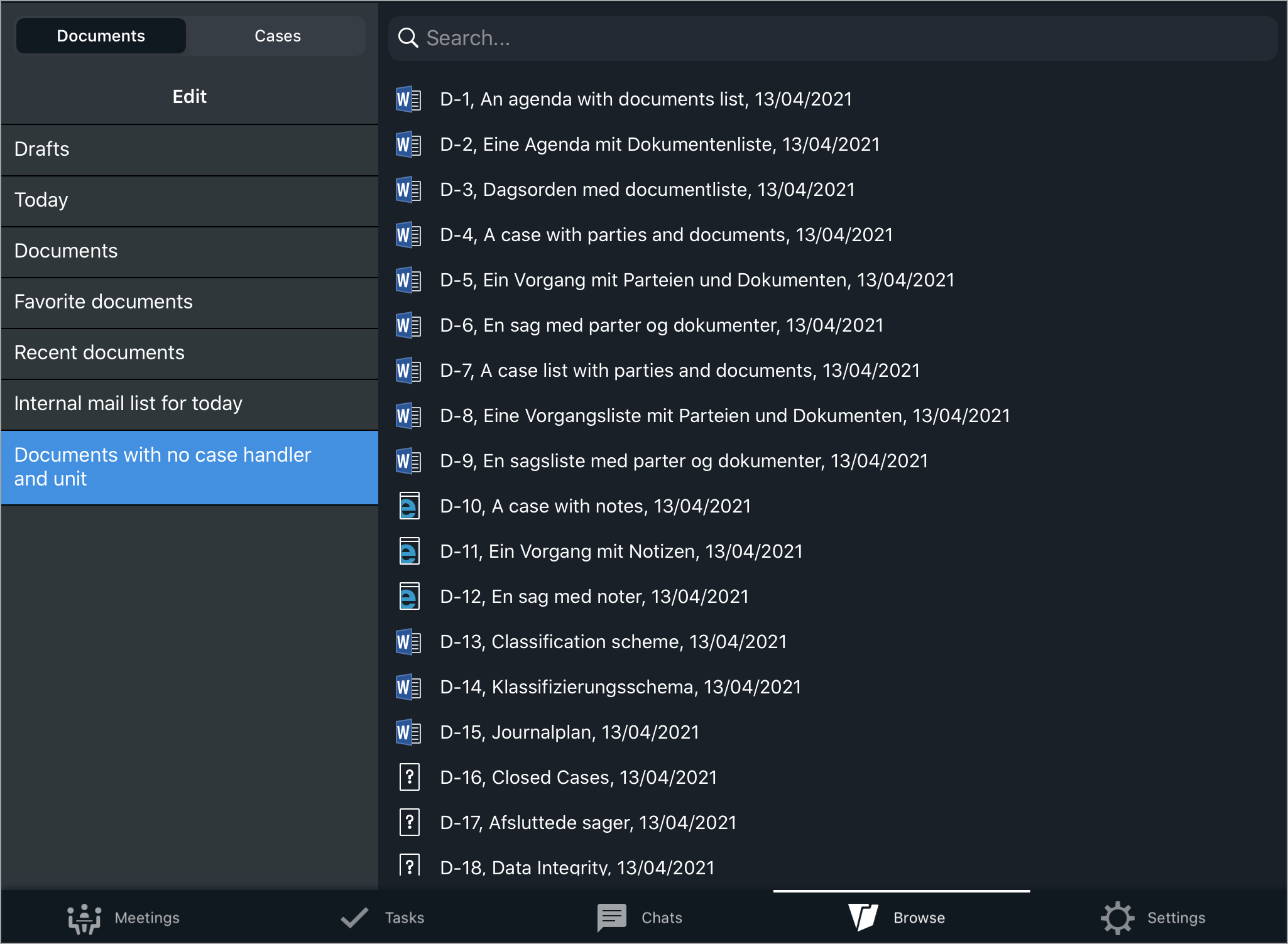
- Browsing cases and documents: search for cases and documents and view their details, view case and document metadata, view documents on the selected case, preview or edit document content, navigate to related cases and documents.
- Using the chats: view existing chats and reply to them, create new chats (from a task or without a task), add or remove chat cases, documents or participants, navigate to related cases and documents, view metadata for chat cases and documents.
- Editing case documents: edit content of the editable case documents.
- Annotating PDF documents: annotate PDF documents using the advanced PDF editor.
How to do it in WorkZone
Working with tasks
Working with meetings
Browsing cases and documents
Using the chats
Editing case documents
Edit Microsoft documents (iOS only)
Edit documents from the Browse module
Editing PDF documents