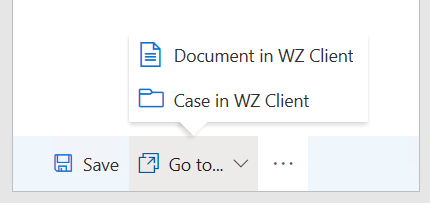
WorkZone Client provides a broader list of actions on changing the case and document details. For example, you can define access codes or move a document to a different case. To open cases and documents in WorkZone Client:
- Go to the Home tab of Word, Excel, or PowerPoint and click WorkZone in the main ribbon. The document registration pane opens.
- To open the document in WorkZone Client, select Go to...>Document in WZ Client on the WorkZone pane.
To open the case on which the document is saved, select Go to...>Case in WZ Client.