About dates and times
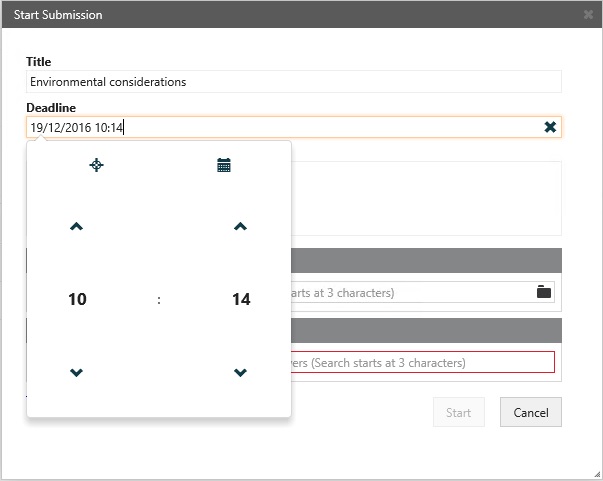
When you specify date and time, you can either type the information directly in the field or you can select from a calendar.
Type date and time
-
To specify, for example, January 1, 2017 at 10:15, you can use a standard format such as 1/1-2017 10:15 or just type 01012017 10:15. To enter the date only, you can, for example, use the format 01-01-2017 or just type 010117.
Select a date in the calendar
-
Click the Calendar icon to select a date.
Finish entering date and time
-
When you have entered a date, you can press Tab to leave the field and continue with your task.
Adjust the time
-
To adjust hours and minutes, place the cursor on the date information and use the up and down arrows or the mouse wheel.