History documents
When a process is complete, a history document is generated and saved on the case on which the process was started. The document history provides a summary of the actions that were executed during the process, who executed them and when. WorkZone Process includes a default history document template that is used for all process types, but your organization may have created specific history documents for each type of process.
Not all processes generate history documents. Phase processes, for example, do not generate history documents.
Except for the SmartPost process, no history document is generated if the process is canceled. The SmartPost process generates a history document that informs that the process was canceled.
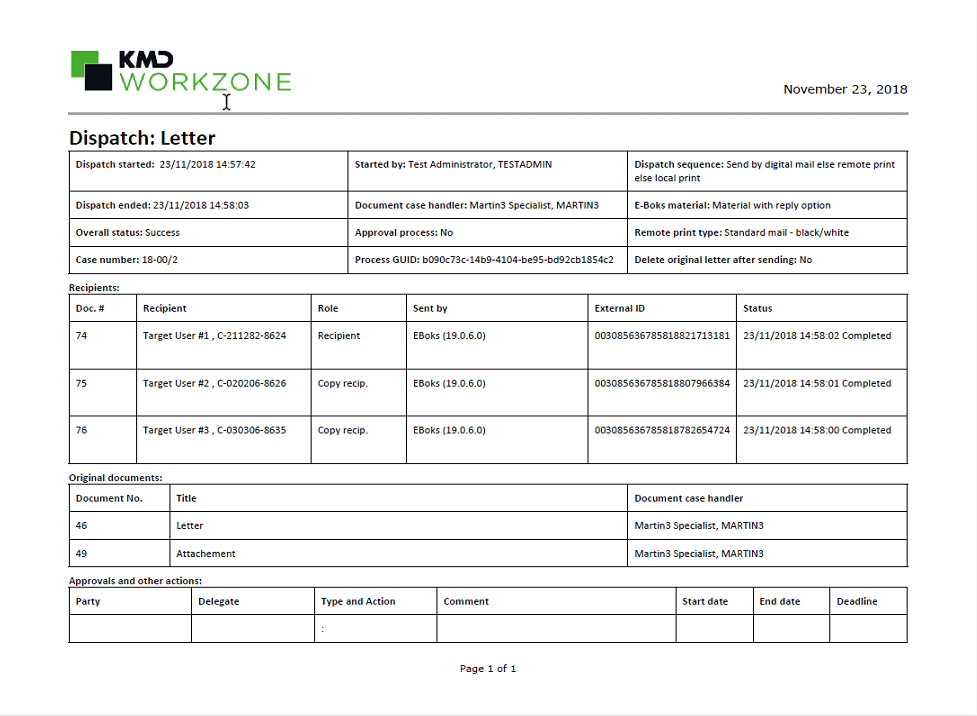
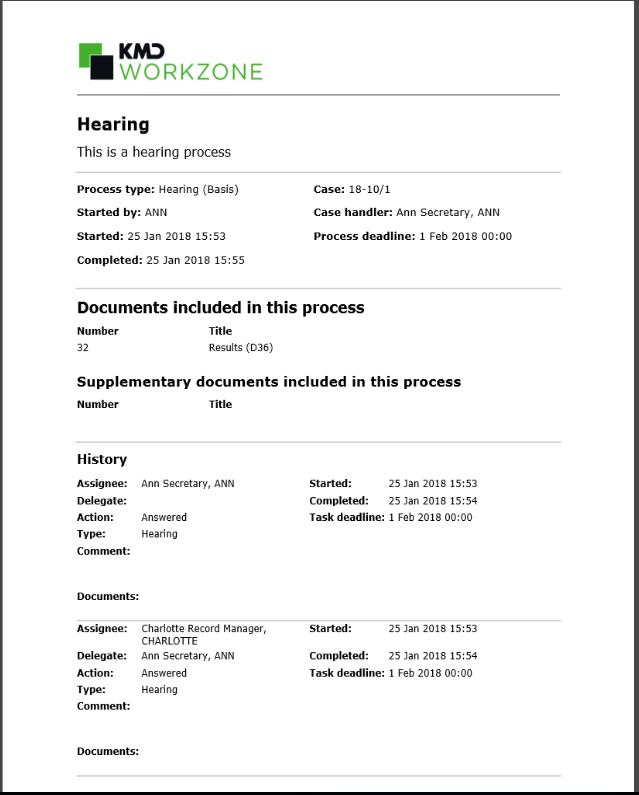
Examples of history documents
A history document generated by a hearing process:
The SmartPost history document looks a bit different: